TADC shimeji: where Caine, Pomni and Jax packs are shared, and how to run them on a Mac

Also in日本語한국어繁體中文简体中文EspañolDeutschPortuguês (Brasil)Français
Quick answer
TADC shimeji are unofficial, fan-made Shimeji-ee packs of The Amazing Digital Circus characters such as Caine, Pomni, Jax and Kinger, shared on the artists' own Tumblr, itch.io and DeviantArt pages, usually as a Windows zip that needs Java. Download from the artist's page, keep the credit and skip extensions and re-upload sites. On a Mac, drop the zip on Shimejiko.
Download for MacTADC shimeji are unofficial, fan-made Shimeji-ee packs of characters from The Amazing Digital Circus, such as Caine, Pomni, Jax and Kinger. Get each one from its artist's own Tumblr, itch.io or DeviantArt page, where it usually comes as a Windows zip that needs Java. On a Mac, drop that zip on Shimejiko, the native Mac app we make, and the character runs without Java.
We read every page linked here on 18 November 2026. This is a documented guide to where these packs are shared and what each download contains, not a review: we did not install, test or scan any of the packs.
What are TADC shimeji?
The Amazing Digital Circus is a web series created by Gooseworx and produced by Glitch Productions. Glitch's page for the show describes a surreal, psychological comedy, first released in October 2023, about Pomni, a woman trapped in a virtual circus with five other humans and a wacky AI.
A TADC shimeji is one of those characters redrawn by a fan as a Shimeji, a small figure that walks along your screen and climbs your windows. Every pack here is fan art by its maker, not made or endorsed by Glitch Productions or Gooseworx, and not a Shimejiko character. Our Shop sells only originals.
Where are TADC shimeji packs actually shared?
Sources we opened on 18 November 2026, each linked at the artist's own post:
| Characters | Artist and page | What you download |
|---|---|---|
| Caine, Pomni, Jax, Kinger, Ragatha, Zooble, Queenie, Bubble | l00ni3 on Tumblr: Caine, Pomni, Jax, Kinger | One zip per character on Google Drive, with the Shimeji-ee program inside. Laptop only, and some posts ask for Java 8 |
| Jax and Gangle in one pack | Lilwoofs on itch.io | A free 7.3 MB zip with the whole Shimeji-ee program, listed for Windows and needing Java, with six extra animations |
| Zooble, Pomni | FluffyFoxOfFate on DeviantArt: Zooble, Pomni | Free zips on Cachomon, the artist team's own site, whose button passes through an ad page. Pomni began as a donation campaign. Zooble is built for Shimeji-ee 1.0.20 with extended code |
| Fan uploads of several characters | shimeji.org, a community library | No accounts and no approval before upload; reports flag problems. l00ni3 points readers there as a second source |
Pages we would skip, though they rank for these searches:
- Browser extension directories such as shimejis.xyz and Shimeji World. Their buttons add a character to Chrome, with no pack to keep. shimejis.xyz publishes uploads with no review queue, and several TADC entries there list the artist as "unknown".
- "Free shimeji download" blogs. One Caine page we read is published by "Admin" with its own download links for l00ni3's work: a re-upload.
- Reblogs, videos and image results. The @jaxangel Tumblr post that ranks for "caine shimeji" reblogs l00ni3's Caine. TikTok clips and pins show a pack but are not one.
Whichever character you pick, download it from the artist's page, keep their name with it and follow their terms: many fan packs are for personal use only, with no reposting or editing. For other characters, see where to download Shimeji packs.
How do you tell a real pack from an installer, extension or video?
Look inside the zip before you run anything, or drop it on our free pack checker, which lists its characters, frames and problems in your browser. More in our safety guide.
- A real Shimeji-ee pack: PNG frames named
shime1.png,shime2.pngand so on, usually one folder per character, plus aconffolder withactions.xmlandbehaviors.xml. The TADC zips above also bundle the Shimeji-ee program, which is normal for Windows. - An installer only: a setup file or
.exewith no PNG frames. Don't run it. - A browser extension: a button that adds a character to your browser, not a file. Never install one to get a Shimeji: MalwareTips lists a "Shimeji Custom Wallpapers" extension as a browser hijacker that changes your homepage and new tab page. More in Shimeji browser extensions.
- A video or image: a clip, pin or GIF preview shows the character, but there is nothing to import.
- An item for another app: a wallpaper, a sticker set or a mod for another desktop pet app. No
shimeframes and noconffolder means it is not a Shimeji.
How do you run a TADC shimeji on a Mac?
The program in these zips is Shimeji-ee, which runs on Java, and Lilwoofs' page lists Windows as its only platform. Shimejiko is a native Mac app for macOS 14 Sonoma or later, on Apple silicon and Intel, with no Java. It imports zip, rar or 7z files, a folder, or a Windows download that unpacks itself, and leaves any program files in it alone.
- Download the zip from the artist's page and keep it as it is, without unzipping it or installing Java.
- Drop the zip on Shimejiko. The character appears in your Library.
- Open its test bench and run its moves and behaviors, especially for packs with extended code like FluffyFoxOfFate's Zooble. The pack test guide shows how.
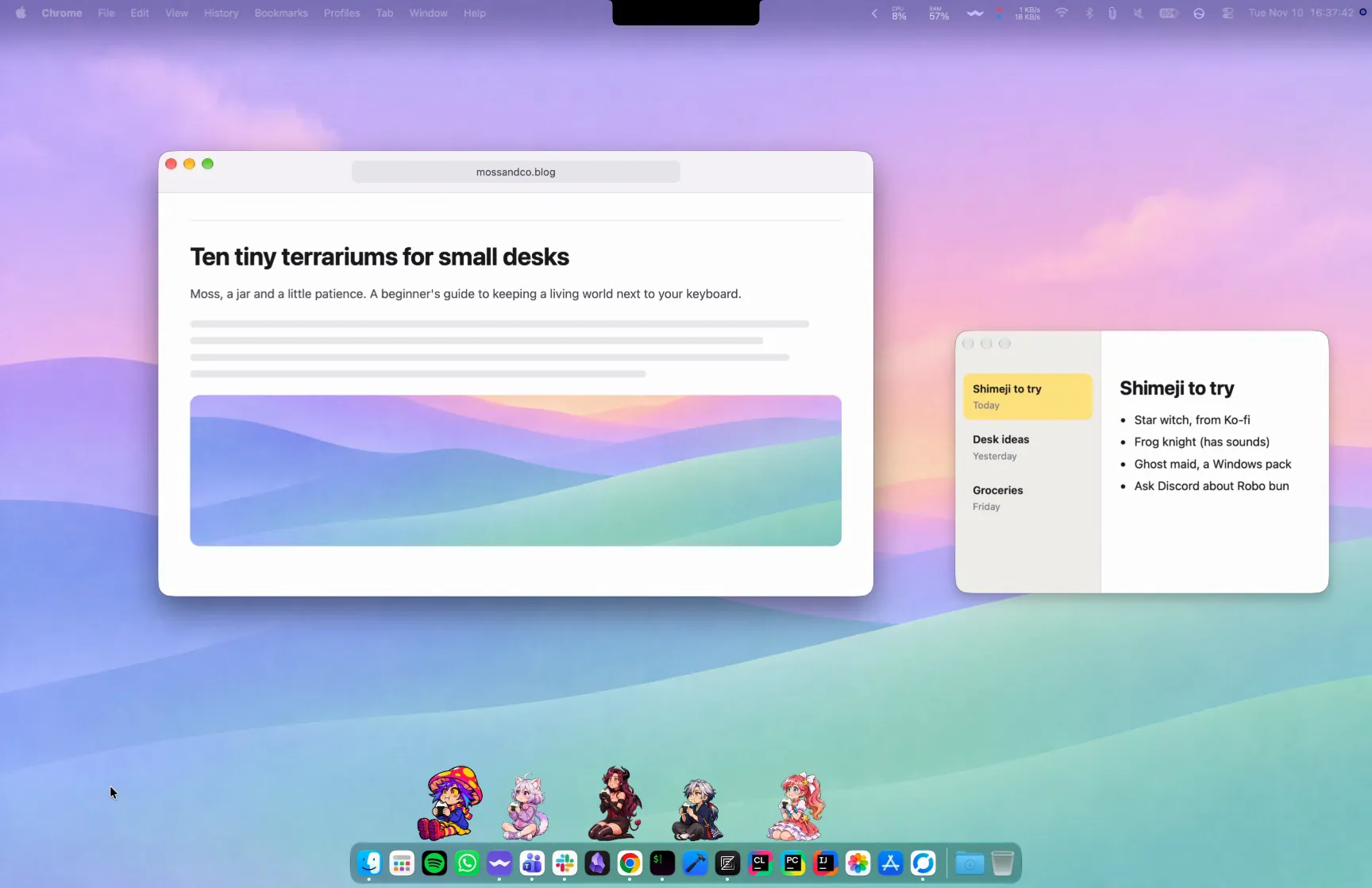
- Put it on screen. Your Caine walks on the Dock, climbs and sits on windows, and can be picked up and thrown.

That is one of Shimejiko's own original characters, not a TADC pack.
The drawback: your first imported pack starts a three-day Pro trial. After it, your TADC packs stay in the Library but need Pro to go on screen. Pro is $5.99 once on our site, checked 18 November 2026, and puts every character type on screen together, so Jax and Gangle can share your desktop, with Mac magic for all of them. Free keeps Shimejiko, Pixel Shimejiko and Sprout, one character type at a time with up to 3 copies. See free vs Pro and Shimeji for Mac.
Questions
Is there an official TADC shimeji?
Not that we found. Glitch's page for the show, read on 18 November 2026, mentions merchandise and licensees but no desktop pet.
Why won't my Caine shimeji open on a Mac?
The zip is built for Shimeji-ee on Windows, which runs the character through a Java program. Don't open Shimeji-ee.jar; import the zip into Shimejiko, which reads the character and leaves the program alone. More in ZIP, RAR and JAR.
Can I repost, edit or upload a TADC shimeji?
Not unless the artist says so. Keep their credit, share a link to their post rather than the file, and ask before you edit frames or upload the pack anywhere.