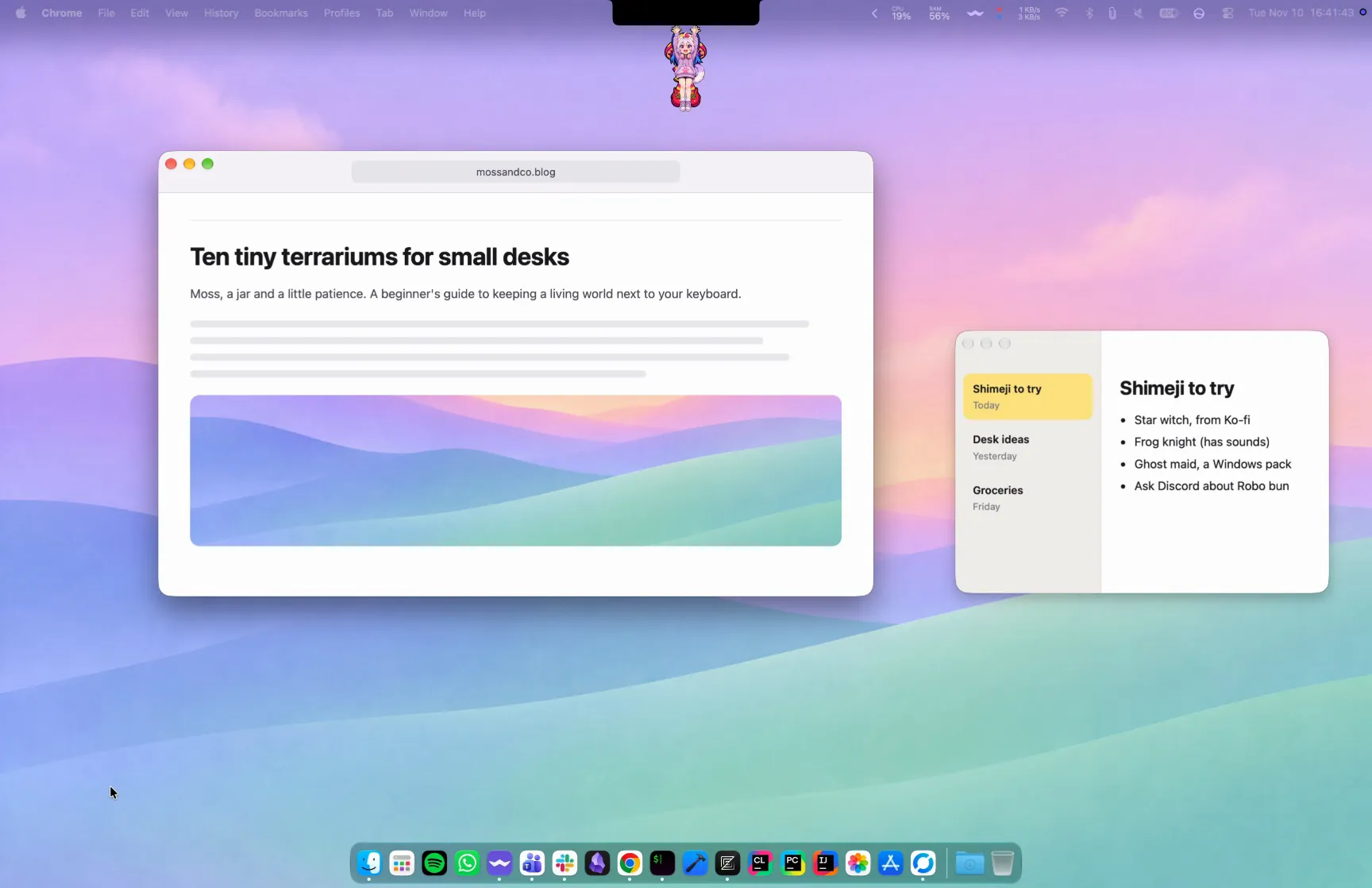
Shimeji browser extension or Shimejiko? Choose your Mac companion

Also in日本語한국어繁體中文简体中文EspañolDeutschPortuguês (Brasil)Français
Quick answer
On a Mac, choose Shimejiko when you want your characters to stay with you across your apps. It runs Shimeji-ee packs natively without Java, puts friends on your windows and Dock, and adds MacBook reactions such as knocks, lid tilts and trackpad petting. A browser extension is an option for characters on web pages only.
Download for MacWant Shimeji that stay with you when you leave the browser? Shimejiko brings your characters onto your Mac desktop, across your apps, windows and Dock. It runs classic Shimeji-ee packs without Java and adds playful reactions to your MacBook. Here is how it compares with a Shimeji browser extension, so you can choose where your companions belong.
The short version
| Browser extension | Desktop app | |
|---|---|---|
| Where the characters go | On the web pages you visit, inside the browser | Everywhere on screen, on top of every app |
| What they play on | The page you're looking at | Your windows, the Dock and the edges of the screen |
| Installation | Added to the browser | A Mac or Windows app |
| Classic Shimeji-ee packs | Community .zip/.rar packs through Bring your own shimeji | Yes, the packs fans share |
| Works when the browser is closed | No | Yes |
| Example | The Shimeji Browser Extension for Chrome | Shimejiko on Mac, Shimeji-ee on Windows |
The Shimeji browser extension
The best-known one is the Shimeji Browser Extension by Shimejis.xyz, in the Chrome Web Store. Its characters play around on the sites you visit. As its own FAQ puts it, nothing is installed on the computer itself, and phones aren't supported. It's free and funded by ads.
A browser extension suits characters that keep you company on web pages. When you switch to another app, they stay behind in the browser. For a companion that stays on your Mac desktop while you work across apps, choose Shimejiko.
A desktop Shimeji app
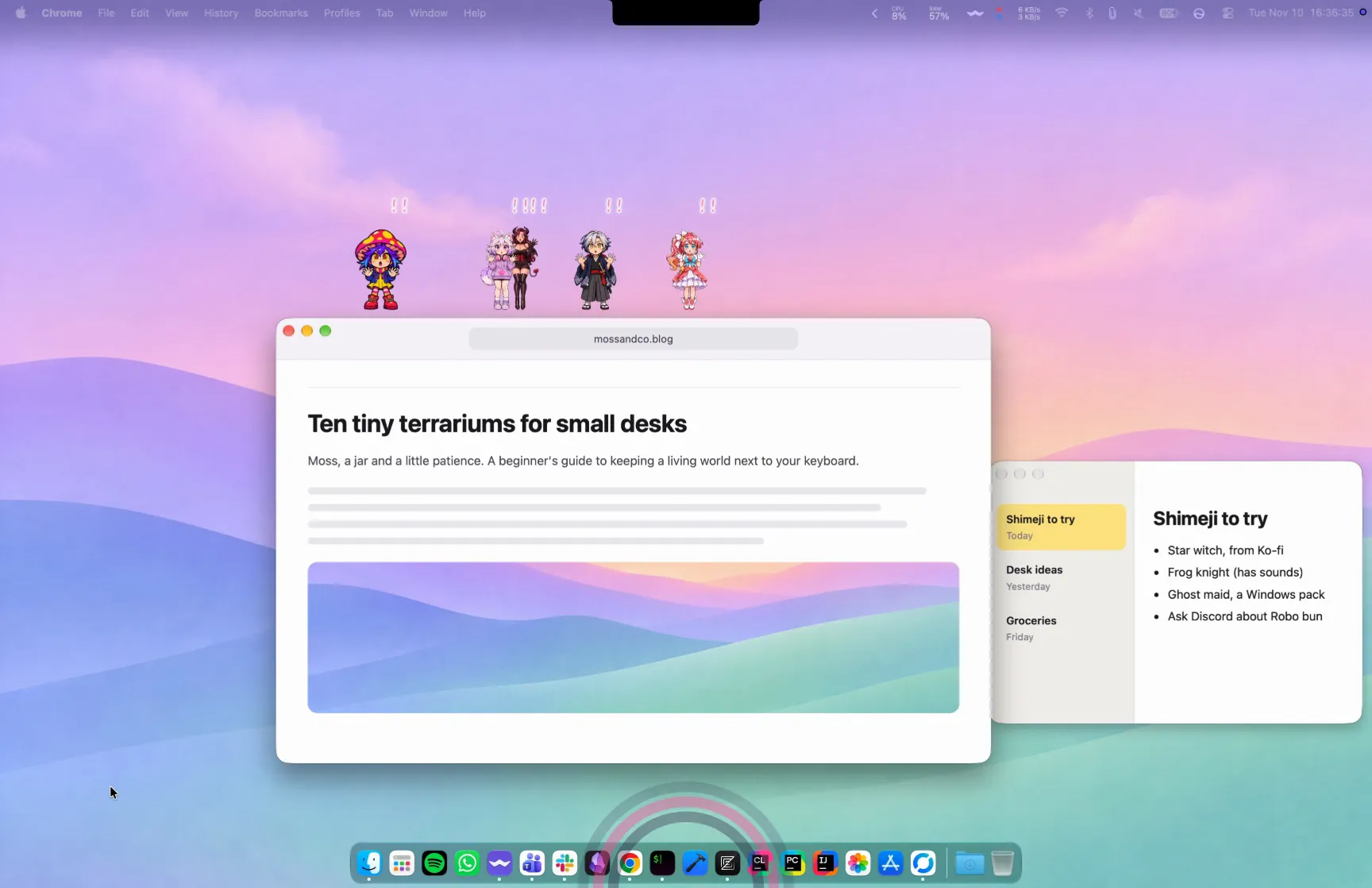
The original Shimeji, and Shimeji-ee after it, are desktop programs. The characters live in a transparent layer above everything you have open: they walk along the bottom of the screen, climb the sides of your windows, sit on top of them, and get thrown around by the pointer. You keep working underneath them.
Desktop apps also run the packs fans have drawn over the last fifteen years, thousands of characters shared as zip files on DeviantArt, shimeji.org and itch.io.
On Windows that is Shimeji-ee. On a Mac, choose Shimejiko: it runs Shimeji-ee packs natively with no Java, and your characters stay on the desktop when you close the browser. On supported MacBooks, knock on the case and they jump, tilt the lid and they slide, or pet them on the trackpad and they purr. Reactions depend on your Mac's hardware. The free version includes Mac magic for Shimejiko herself; Pro brings it to your imported characters too.
Watch out for look-alike extensions
Popular names attract copies. Security sites such as PCrisk and MalwareTips list a "Shimeji Custom Wallpapers" extension as a browser hijacker that changes your homepage and search engine. Before adding any extension, check who publishes it, how many people use it, and what permissions it asks for. A Shimeji extension has no reason to change your search engine. More on staying safe with Shimeji.
Which one should you use?
- You want a companion for your Mac, beyond the browser: choose Shimejiko for characters on your desktop, windows and Dock, with no Java to install.
- You want your MacBook to be part of the fun: Shimejiko adds knock, lid-tilt and trackpad-petting reactions on supported hardware.
- You have Shimeji-ee packs you love: bring compatible packs into Shimejiko to enjoy them across your Mac desktop. The browser extension also supports community packs, within web pages.
- You only want characters while browsing: a browser extension can suit that. On a managed school or work computer, check whether extensions are allowed.
Download Shimejiko for Mac and start free on macOS 14 or later. Bring a favorite pack onto your desktop, then try Mac magic with Shimejiko herself.
Questions
Is there a Shimeji browser extension for Safari?
The Shimeji Browser Extension's own FAQ only describes Chrome. On a Mac, Shimejiko puts characters on top of Safari and every other app, so you don't need an extension for it.
Can I use Shimeji-ee packs in the browser extension?
Yes. Shimejis.xyz's Bring your own shimeji supports compatible community .zip/.rar packs; its FAQ explains the requirements. If you want those characters on your Mac desktop as you switch between apps, choose Shimejiko.
Does the browser extension work on a phone?
No. Its FAQ says phones aren't supported.
Is the desktop app free?
Shimeji-ee is free on Windows. Shimejiko is free on the Mac with one character type on screen at a time, and Pro is a one-time $5.99 for your whole crew.