AI desktop pets: the robots on your desk and the characters on your screen

Also in日本語한국어繁體中文简体中文EspañolDeutschPortuguês (Brasil)Français
Quick answer
"AI desktop pet" means two different things. One is a small robot that sits on your desk, like EMO, Loona Deskmate or Anthropic's open-source Claude Desktop Buddy. The other is a character on your screen that chats through a language model, like Clippy or Project AIRI. Here is what each one does, what it costs, what it needs and what it sees and hears, and where Shimejiko fits: a desktop pet with no AI at all.
Download for MacAn AI desktop pet is either a small robot that sits on your desk or a character on your screen that talks through a language model. The desk kind includes EMO by Living AI, Loona Deskmate by KEYi Tech and Anthropic's open-source Claude Desktop Buddy. The screen kind includes Clippy, Felix Rieseberg's homage, and Project AIRI. We make Shimejiko, a Mac desktop pet with no AI: its characters react to your MacBook, not to words.
Facts about other products come from each maker's own page or GitHub repository, checked on 15 November 2026. Living AI's site didn't load for us that day, so EMO's details and prices come from its own pages as saved by the Internet Archive in October 2026. We haven't tested these products ourselves.
What does "AI desktop pet" mean?
It means two different things, and the difference is where the pet lives. A desk robot is a physical object with motors and sensors that sits next to your keyboard. A screen pet is an app that draws a character on your computer and answers you through a language model, running either on your computer or in the cloud.
| Pet | Where it lives | Cost | What it needs | Camera, microphone, cloud |
|---|---|---|---|---|
| EMO (Living AI) | Your desk | $279 | Its phone app, EMO Pet, for games and settings | HD camera and 4 microphones |
| Loona Deskmate (KEYi Tech) | Your desk, holding your iPhone | $299 | An iPhone 12 or later with MagSafe | Face and attention stay on the iPhone; task commands go to the cloud |
| Claude Desktop Buddy (Anthropic) | Your desk, on a small ESP32 board | Free code; the board is $19.95 | The board, and the Claude app for Mac or Windows in developer mode | Claude's prompts and recent transcript lines reach it over Bluetooth |
| Clippy (Felix Rieseberg) | Your screen | Free | An Apple silicon or Intel Mac, Windows or Linux | Runs the model on your computer |
| Project AIRI | Your screen | Free | A Mac, Windows or Linux, and a model provider you choose | Microphone for voice chat; messages go to your provider |
| Shimejiko | Your screen | Free; Pro $5.99 once | macOS 14 or later | No AI, never the camera or microphone |
Which AI pets sit on your desk?
EMO, Loona Deskmate and Claude Desktop Buddy all sit on your desk, and they are three very different machines.
EMO by Living AI. A small robot that Living AI says has more than 1,000 expressions and moves. It explores the desk on its own without falling off, tracks sounds, recognizes up to 10 people, plays music and dances, answers questions and works as an alarm clock. Living AI's store listed EMO at $279 with its charging skateboard and a smart light, and EMO Go Home at $369. Living AI lists an HD camera with face recognition and a 4-microphone array, and says a built-in neural network processor works through images and sound continuously. The catch: it's a camera and four microphones on your desk, taking in images and sound continuously; that's how EMO knows you, and it's worth thinking about at work.
Loona Deskmate by KEYi Tech. KEYi Tech, which makes the Loona robot pet, sells this one as an AI intern for your desk: a moving base that holds your iPhone and connects to Gmail, Outlook, Slack, Notion and more to prep your meetings and draft the follow-ups you owe, which you review before anything goes out. It's $299 on KEYi Tech's US store ($254 in an early Black Friday sale when we checked), with no subscription required, and it needs an iPhone 12 or later with MagSafe. KEYi Tech says your face and attention are processed on the iPhone and never uploaded, only your explicit task commands go to the cloud, and taking the phone off puts it to sleep. The catch: it's an assistant first and a pet second, and it needs your iPhone, email and calendar to do its job.
Claude Desktop Buddy by Anthropic. An open-source maker project on GitHub, not a product you buy. The Claude app for macOS and Windows can talk to small devices over Bluetooth, and Anthropic's example is a desk pet on an ESP32 board that lives off Claude's permission prompts: it sleeps when nothing is happening, wakes when Claude Code or Cowork sessions start, gets impatient when an approval is waiting, and lets you approve or deny with a button. It comes with 18 ASCII pets, or your own GIF character. The code is free. The firmware is written for M5Stack's M5StickC Plus, $19.95 on M5Stack's store, which marks it as end of life. You need the Claude app in developer mode, and PlatformIO to flash the board. The pet has no AI of its own; it shows what the Claude app sends it. Anthropic's protocol notes say recent transcript lines and tool-call hints travel over Bluetooth, and recommend encrypted pairing. The catch: you build and flash it yourself, and Anthropic says the Bluetooth API isn't an officially supported feature.
Which AI pets live on your screen?
Clippy and Project AIRI are two free ones that run on a Mac, and they handle the AI in different ways.
Clippy by Felix Rieseberg. An homage to the Microsoft Office assistant from 1997, not affiliated with Microsoft. It puts Clippy and a 1990s-style chat window on your screen and answers through a language model that runs on your own computer, with one-click installs for Gemma 3, Llama 3.2, Phi-4 and Qwen3. It's free, with downloads for Apple silicon and Intel Macs, Windows and Linux. Its site says everything runs on your computer and the only network request is a check for updates, which you can turn off. The catch: its maker calls it software art rather than the best chatbot, and the latest release, v0.4.3, came out in May 2025.
Project AIRI. A free, open-source project (MIT license) that sets out to re-create Neuro-sama: a Live2D or VRM character you can chat with by text or voice, which can also play Minecraft. The latest release, v0.15.4 from 12 November 2026, has Mac downloads for Apple silicon and Intel, plus Windows and Linux. You connect a model yourself: a cloud provider such as OpenAI, Claude, Gemini or DeepSeek, or a local one through Ollama. Voice chat uses your microphone, and your messages go to whichever provider you pick. The catch: its README says it's still in an early stage of development, and choosing and setting up the model is up to you.
Where does Shimejiko fit?
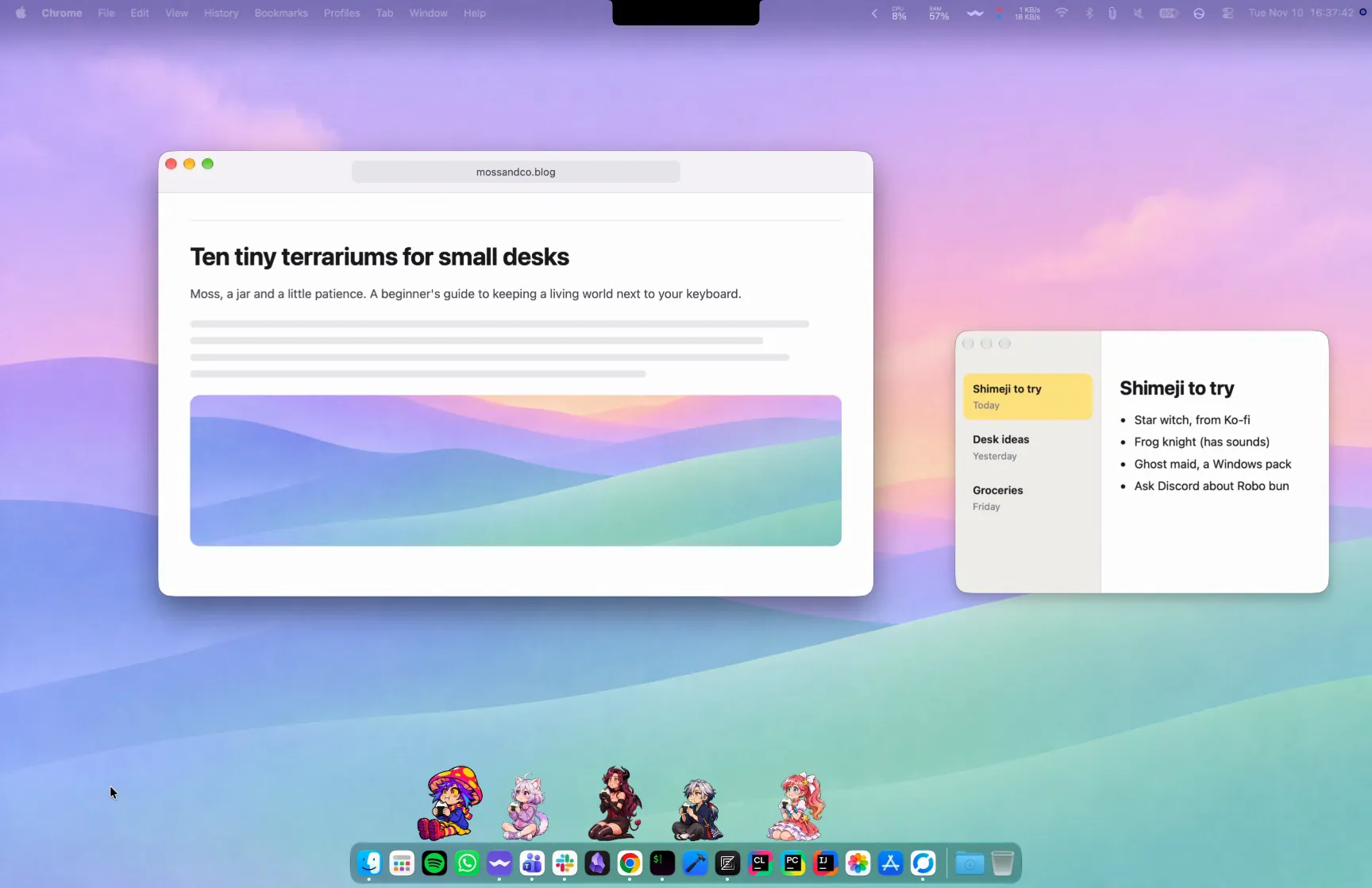
Shimejiko is a desktop pet with no AI, and we make it: a free native Mac app that runs Shimeji and Shimeji-ee characters on your screen, on macOS 14 or later with Apple silicon or Intel. There's no language model inside, so nobody chats. The characters walk on your Dock, climb your windows, hang from the notch and get grabbed and thrown. On a MacBook they react to the Mac itself, which we call Mac magic: knock on the case and they jump, tilt the lid and they slide, stroke the trackpad with two fingers over one and it purrs, plug in the charger for dinner, and a low battery makes them sleepy.

Shimejiko never captures or reads your screen, never reads your keystrokes and never uses the camera or microphone. There's no model to send anything to, and its anonymous usage counts can be turned off in Settings. Which Mac magic works depends on your MacBook's sensors, and the app shows what yours supports: every trick and the MacBooks that support it.
The app is free. The free version shows one character type at a time, up to 3 copies, and Mac magic works on Shimejiko herself. Pro is $5.99 once for every type and Mac magic for everyone, and original characters in the Shop cost $1.99 to $3.99. Our catch: if you want a pet that talks back, Shimejiko isn't it.
How do you choose an AI desktop pet?
Decide whether you want it on the desk or on the screen, then decide what you're happy to let it see and hear.
- A robot that roams the desk and knows your face: EMO.
- An assistant for email and meetings, with a body on your desk: Loona Deskmate, if you have a MagSafe iPhone.
- A physical button for Claude's permission prompts: Claude Desktop Buddy, if you're happy to flash a board.
- A chat that stays on your computer: Clippy.
- An anime character you can talk to by voice: Project AIRI.
- Company on screen with no AI, camera or microphone: Shimejiko.
For every kind of desktop buddy, from walking pets to talking ones, see what a desktop buddy is; for a ranked list with prices, the best desktop pets for Mac; and for keeping one on screen at work, a desktop pet while working.
Questions
What is Claude Desktop Buddy?
Anthropic's open-source example on GitHub: firmware that turns an ESP32 board into a small desk pet linked to the Claude app over Bluetooth. It shows when Claude is busy or waiting for you and lets you answer a permission prompt with a button. It's meant for makers and isn't an officially supported feature.
Is EMO an app for my computer?
No. EMO is a physical robot that sits on your desk, with its own camera, microphones and speaker. Its companion app, EMO Pet, is for your phone.
Is there an AI desktop pet that keeps everything on my Mac?
Clippy says everything runs on your computer, apart from an update check you can turn off. Project AIRI can use a local model through Ollama instead of a cloud provider. Shimejiko has no AI at all.
A pet that notices your Mac makes more sense on your own screen. Download Shimejiko free and give her a stroke on the trackpad.