Desktop Pet Engine: which app do you mean?

Also in日本語한국어繁體中文简体中文EspañolDeutschPortuguês (Brasil)Français
Quick answer
Desktop Pet Engine names two different Steam projects, not one universal pet format. Oli Studio's app is listed for Windows with a demo and a planned Q4 2026 release. DPET is an older, separate project whose current download we could not verify. On a Mac, Shimejiko runs Shimeji packs instead.
Download for MacDesktop Pet Engine can mean two different Steam projects. Oli Studio's Desktop Pet Engine is a Windows pet-creation app, currently listed with a demo and a planned Q4 2026 release. DPET: Desktop Pet Engine is a separate, older project. Neither name means that its characters automatically work in Shimeji. We make Shimejiko, which runs Shimeji packs on a Mac.
This is a source check, not a hands-on review. We checked the linked project pages on 17 November 2026. We did not install either Steam app.
Which Desktop Pet Engine is which?
Use the Steam app ID, not the display name, to tell them apart.
| Project | Steam app ID | What we could verify |
|---|---|---|
| Desktop Pet Engine, Oli Studio | 3765610 | Store page says not yet available, planned Q4 2026, with a demo link |
| DPET: Desktop Pet Engine | 1980920 | Its community and Workshop pages exist; its store page redirected to Steam's home page in our check |
Oli Studio's store page lists Windows 10, 4 GB RAM and 500 MB storage as minimum requirements. It does not list a native Mac version. A release window is not a release date, and a demo is not the full product.
DPET's community page still identifies the older project, and its Workshop information describes community pets. That does not prove new users can download it today. We also checked Steam's app-details endpoint, which returned success: false for 1980920. This does not establish why it is unavailable or whether existing owners can still run it.
What does the newer app let you build?
Oli Studio describes a visual behavior-tree editor: connect nodes to decide what a pet does. The listed node types are roots, composites, decorators, conditions, actions and subtrees. Nodes return Success, Failure or Running, which determine what happens next.
The page's example combines Play Animation and Drag follow under a Sequence node. It also shows walking, sleeping, keyboard reactions and multiple characters in one project. These are the developer's descriptions, not features we tested.
The useful distinction is editing behavior versus replacing artwork. A behavior editor changes the rules. A sprite editor changes the pictures. A player runs the result. One app can include several roles, but the files still have to match that app.
Can its pets be imported into Shimejiko?
Not merely because they are called desktop pets. Shimejiko reads Shimeji and Shimeji-ee packs, with numbered PNG frames and optional movement settings. It does not promise to read either Steam project's native project format.
Before moving a character between apps:
- Keep an untouched copy of the original project.
- Check whether the creator permits exporting and reusing the art.
- Look at the actual exported files, not the archive's
.zipextension. - Match the destination's frame names and movement settings.
- Test the resulting pack before sharing it.
Our Shimeji template documents the classic frame map. The sprite-sheet guide explains why a single atlas is not the same as numbered frames. The pack checker checks a Shimeji archive in your browser; it is not a universal converter or a malware scanner.
What if you want a pet on a Mac, not an editor?
Shimejiko is a native player for macOS 14 or later, on Apple silicon and Intel. It does not require Java. Drop in a compatible pack and watch the character move across your desktop.
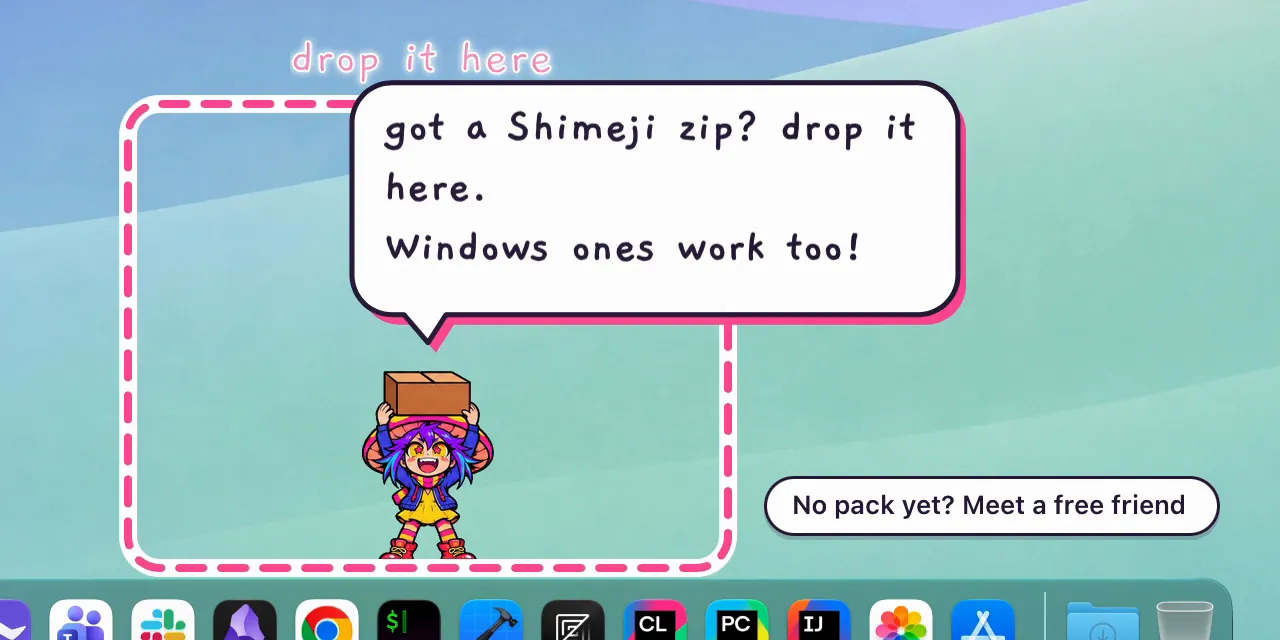
Our drawback: it is not a visual behavior-tree editor. Your own imported packs need Pro after the three-day trial. Pro is $5.99 once on our site, checked 17 November 2026. See the Mac setup guide and how to test a pack before deciding.
Questions
Is Desktop Pet Engine the same as DPET?
No. The names overlap, but the Steam IDs are different. Check 3765610 versus 1980920 before following a tutorial.
Does a Steam Workshop pet work in every desktop pet app?
No. Workshop belongs to a particular app. A shared image format does not establish compatible behavior files or permission to redistribute the artwork.
Is a free demo the same as a free app?
No. We found a demo for Oli Studio's app, but did not verify a full-release price. Check the developer's current listing rather than treating an old DPET guide as pricing for another product.



