Shimeji sprite sheet: turn your drawings into a working pack

Also in日本語한국어繁體中文简体中文EspañolDeutschPortuguês (Brasil)Français
Quick answer
A Shimeji sprite sheet is a drawing workspace, not usually the finished pack. Export each pose as a transparent PNG, preserve the template's filenames and alignment, and keep its working configuration. Then inspect every move, because a pack can run with substitute frames.
Download for MacYour Shimeji sprite sheet looks finished, but a page of poses is not yet a desktop companion. For a conventional Shimeji or Shimeji-ee pack, the useful deliverable is a set of separate images connected to movement instructions. This guide covers that handoff: getting drawings out of your art app without losing their names, transparency or alignment.
For the broader process, from choosing a character to sharing it, start with how to make a Shimeji. Here, assume you already have a permitted template and your own artwork.
Is a Shimeji sprite sheet the same as a pack?
Artists often use “sprite sheet” for a grid containing every pose. It is convenient for comparing proportions, colors and expressions. A conventional pack instead references individual files such as shime1.png from its configuration. A single flattened PNG does not automatically become separate animations.
Keep the layered drawing file as your source. Export the individual frames into a separate delivery folder, and keep your overview sheet outside that folder. This makes it harder to mistake a preview image for a playable frame.
What should you check before slicing the sheet?
Start with the template's actual files, not a remembered list of pose numbers. The classic configuration uses 46 numbered frames, but custom packs can use different counts, names and subfolders. Likewise, 128 by 128 pixels is a familiar classic canvas, not a universal requirement.
- Make a checklist of the image paths used by the template's
actions.xml. Match drawings to those paths rather than renumbering them in visual order. - Record the canvas dimensions and each cell's position. If your sheet has gutters or labels, exclude them from the exported frame.
- Keep the template's facing direction and attachment points. Conventional left-facing artwork can be mirrored for the other direction; custom packs may supply separate right-facing images.
- Check that you may reuse the template and its configuration. Keep required credits with the pack.
A contact sheet is useful for review, but its first row is not necessarily a walk cycle. The configuration decides which poses appear together and for how long.
How do you export transparent PNG frames without jitter?
Use the same cell boundaries for every frame in a template-based set. Avoid automatic cropping to the visible drawing: removing different amounts of transparent space changes where the character sits inside its canvas. Preserve the template's anchors rather than moving every pose to the bottom edge.
For a walking sequence, compare the ground contact and body position across neighboring frames. For climbing and hanging, compare the hands with the intended attachment point. A deliberate bounce is animation; an accidental shift caused by export is not.
- Hide backgrounds, grids, labels and guide layers before export. A checkerboard painted into the image is not transparency.
- Export PNG files with alpha transparency. Open a sample over both light and dark backgrounds to catch pale halos and leftover pixels.
- Keep dimensions consistent with the template. Do not resize just a few frames or let the exporter trim each one independently.
- Preserve filenames and subfolders exactly. Check for added suffixes, duplicate extensions or an exporter starting its numbering at 0.
Test a short sequence before exporting the whole set. Finding one wrong crop setting early is easier than fixing every pose afterward.
How do the PNG files become a working pack?
For a conventional Shimeji-ee template, keep actions.xml and behaviors.xml with the images. The first defines actions and their poses; the second connects behaviors and their selection. Preserve the working folder layout, including conf, instead of inventing a new XML format.
One supported layout places frames in img/YourCharacter/ and configuration in img/YourCharacter/conf/. Other layouts use a shared conf folder. Follow the template you tested. Zip that complete folder structure, not just the overview sheet.
Shimejiko can supply standard behaviors when both configuration files are absent, and it can substitute an available image for a missing frame. That is helpful for opening imperfect downloads. It does not mean your exported pack is complete or that another player will interpret it the same way.
How do you check every move on a Mac?
Download Shimejiko for free, import your ZIP and open the character from the Library. In the Test bench, choose moves, pause playback and step through frames. Read the compatibility report as well as watching the animation.
This existing recording shows the import experience, not a sprite-sheet editor or an export tutorial.
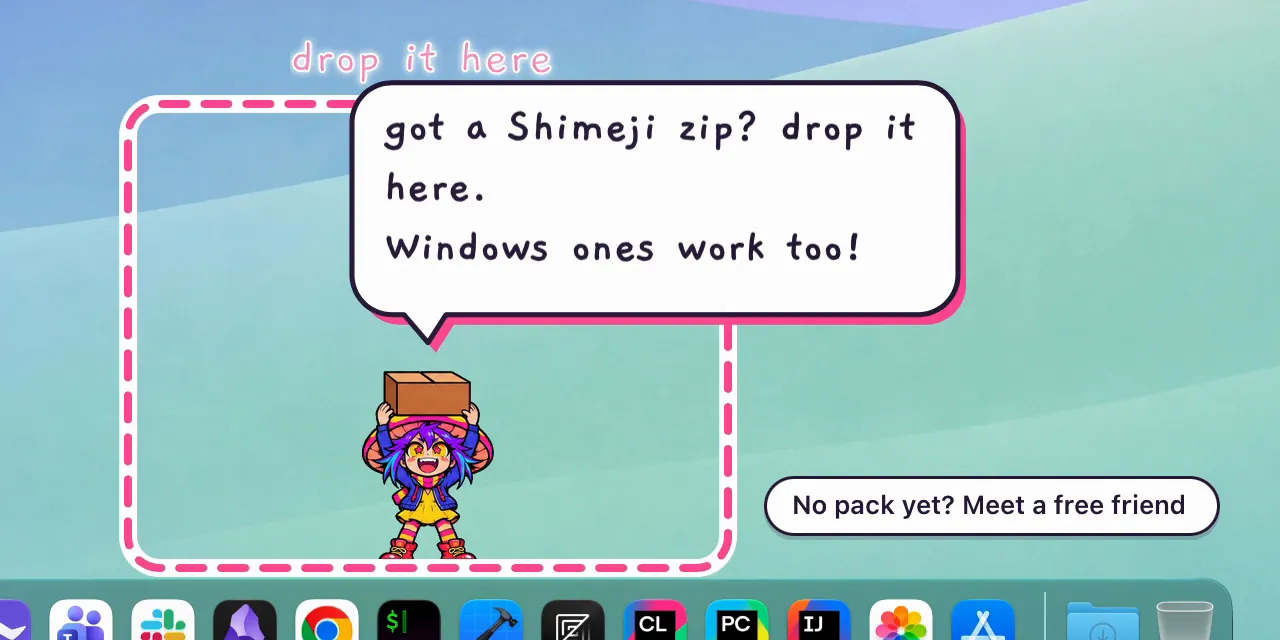
Check walking, climbing, hanging, falling and dragging where the pack provides them. Look for repeated stand-in poses, clipped accessories, changing canvas alignment and backwards movement. Correct the source artwork or filename, export again and reimport the revised pack. Before sharing, test the ZIP you intend to distribute, not only your working folder. The artists' page covers optional shimejiko.json additions for Shimejiko.
Frequently asked questions
Can I import one large sprite-sheet PNG?
Do not treat one atlas as a conventional Shimeji pack. Split it into the image files the configuration references, then package the frames and configuration together.
Does every Shimeji need exactly 46 frames?
No. That is the classic set, not a rule for every custom pack. Use the filenames and pose references in your chosen configuration as the checklist.
Why does my pack move even though a frame is missing?
Shimejiko can use a substitute image. Check the compatibility report and inspect the affected move frame by frame. A successful import is the start of testing, not proof that all artwork is present.



