A desktop pet that notices your MacBook

Also in日本語한국어繁體中文简体中文EspañolDeutschPortuguês (Brasil)Français
Quick answer
Shimejiko is a desktop pet app for Mac that listens to the sensors inside your MacBook. Knock on the case and the characters jump, tilt the lid and they slide, stroke the trackpad and they purr with a buzz you can feel, plug in the charger and they sit down to eat. Which tricks work depends on your Mac, and the table in this article lists every model.
Download for MacOn Windows, a desktop pet walks on your windows and that's about it. A MacBook knows a lot more about what is happening to it: it can feel a knock, it knows how far the lid is open, its trackpad can tap back at your fingers, and there is a notch at the top of the screen that makes a perfect perch.
Shimejiko uses all of it. We call these reactions Mac magic. Here is each one, recorded on a real MacBook.
Knock on your MacBook
Knock gently on the case and every character on screen jumps in surprise. Knock harder and they all tumble off their windows, down to the Dock.
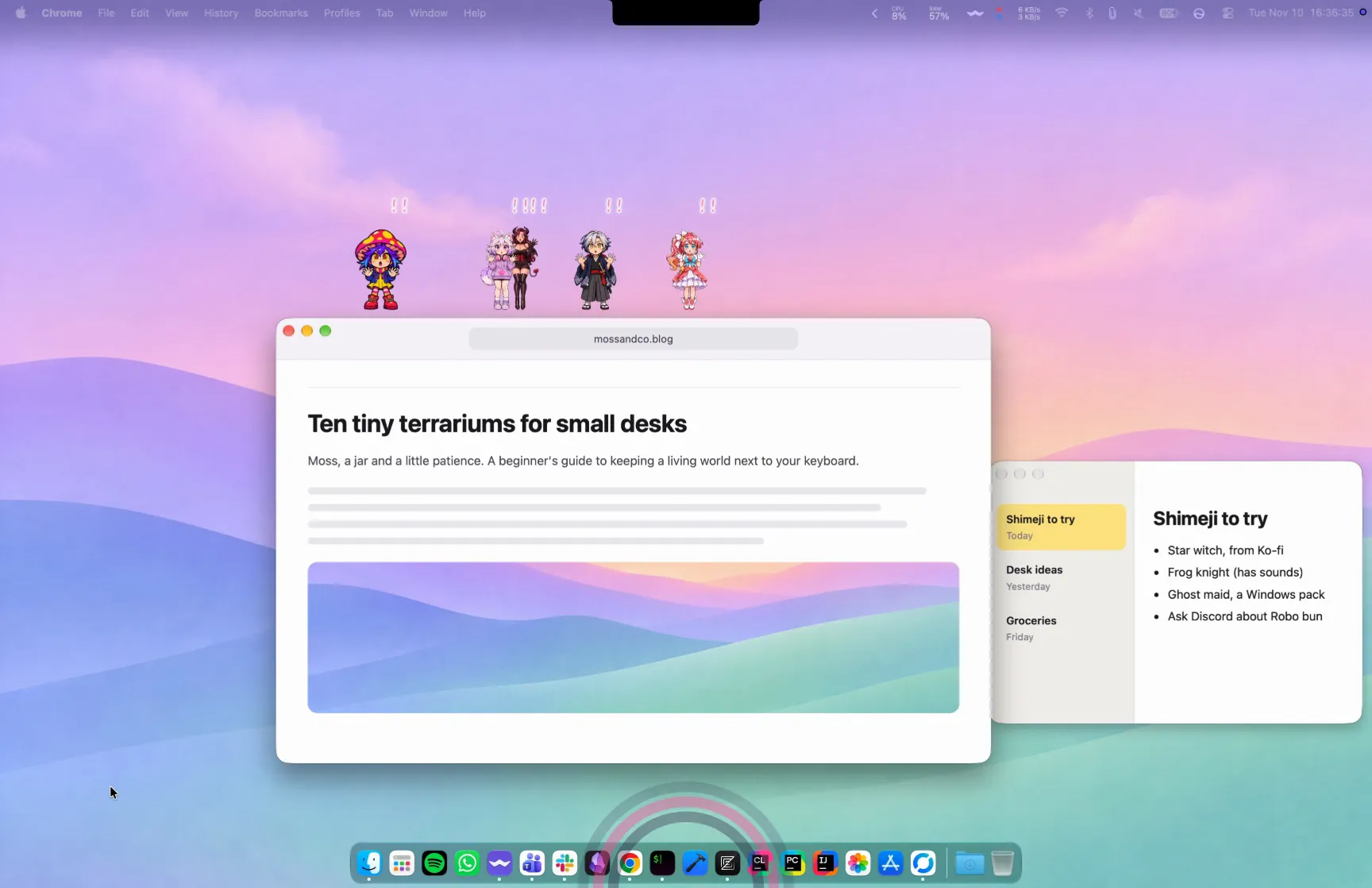
A gentle knock next to the trackpad is enough. There's no need to hit your Mac, and Shimejiko ignores the small vibrations of typing and clicking. You can set the knock sensitivity in Settings.
Tilt the lid
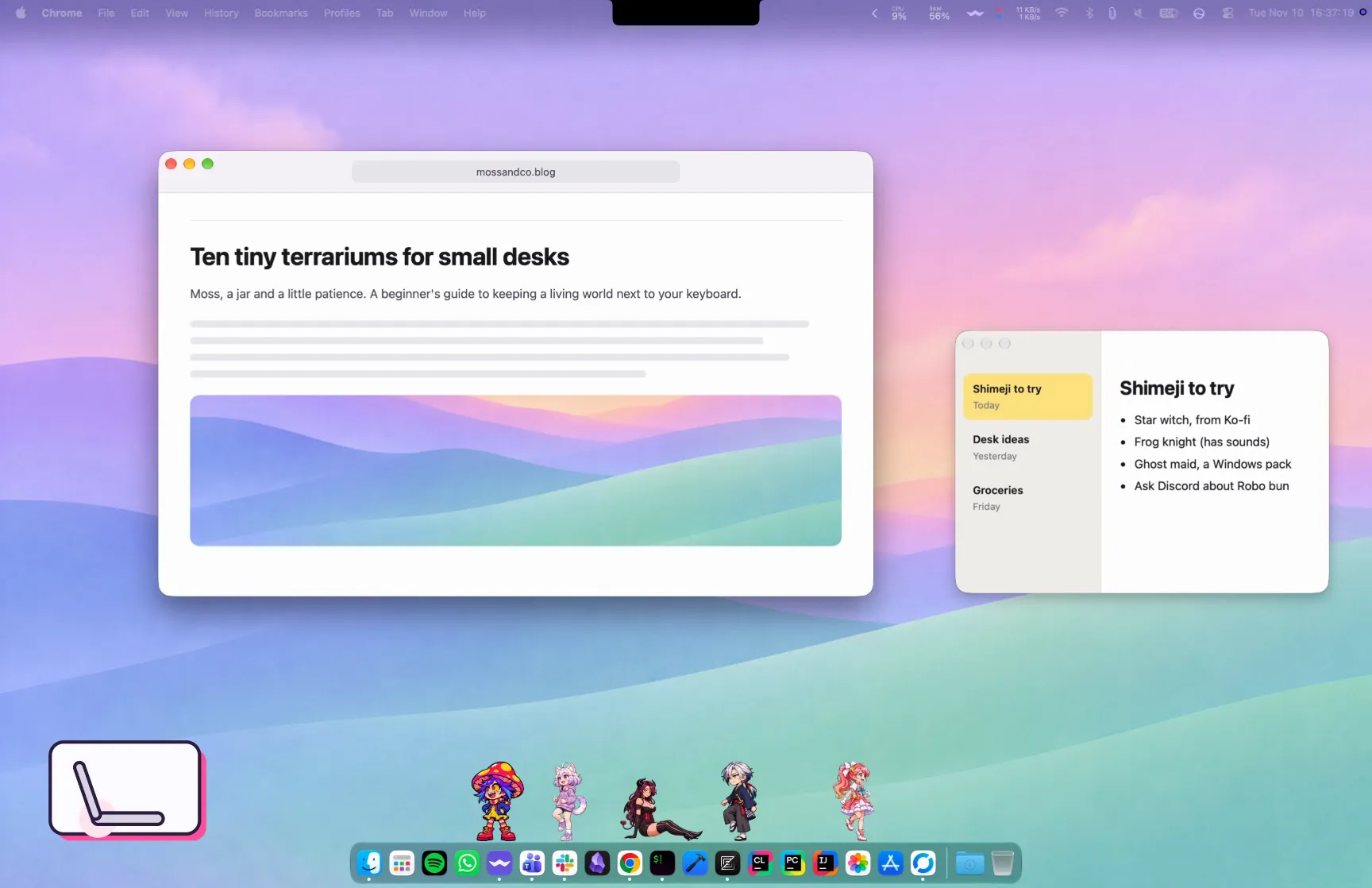
Tilt the screen back and the characters slide toward the bottom. Close it halfway and they wave goodbye and hide. Open it again and they pop back out and stretch.
Pet them on the trackpad
Put the pointer on a character and stroke the trackpad with two fingers. It closes its eyes, purrs, and little hearts float up. On a Force Touch trackpad you also feel the purr: Shimejiko taps the trackpad's haptic motor in a gentle purring rhythm under your fingers.

Sit on the notch
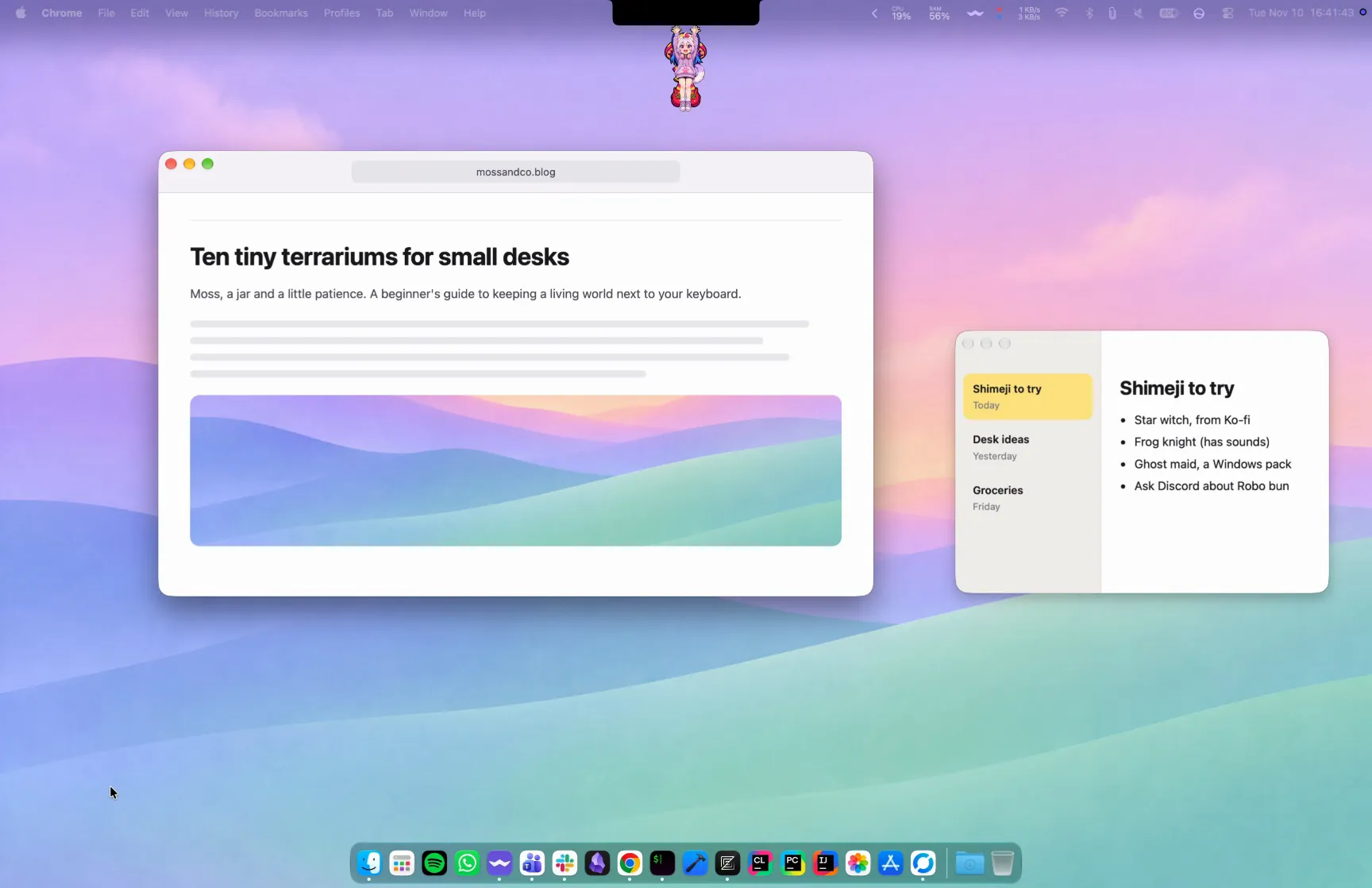
On a MacBook with a notch, the characters treat it like a windowsill: they walk under it, jump, and hang from its edge. On a Mac without a notch, they perch on the menu bar instead.
Dinner time and sleepy
Plug in the charger and dinner is served: everyone sits down to eat. Unplug it and they look around, a little confused. When the battery runs low they yawn and slow down, and when it gets really low they fall asleep where they are. Once the Mac charges, they wake up and stretch.
Grab, throw and ride
Not every trick needs a sensor. Grab a character with the pointer and it dangles from its head. Let go mid-swing and it flies across the screen and catches the edge. Drag a window around and whoever is sitting on it rides along.

Which MacBooks support which tricks
Every Mac with macOS 14 or later runs Shimejiko and every Shimeji pack. The Mac magic depends on the sensors inside your Mac, and Shimejiko checks them on first launch, so its Mac magic page shows exactly what works on yours.
| Trick | Works on |
|---|---|
| Knock | Every MacBook from M2 (MacBook Air and the 13-inch MacBook Pro), and 14 and 16-inch MacBook Pro from M1 Pro and M1 Max |
| Tilt the lid | MacBook Air from M2, and 14 and 16-inch MacBook Pro from M1 Pro and M1 Max |
| Purr you can feel | Every MacBook with a Force Touch trackpad, and the Magic Trackpad. Other trackpads get the purr on screen |
| The notch | MacBooks with a notch. Other Macs use the menu bar |
| Dinner and sleepy | Every Mac with a battery |
| Grab, throw and ride | Every Mac |
Knock isn't available on the M1 MacBook Air, the 13-inch M1 MacBook Pro, the MacBook Neo, Intel Macs or desktop Macs, and the lid trick also skips every 13-inch MacBook Pro. On those Macs the characters still walk, climb, sit and react to everything else.
Your own Shimeji react too
Mac magic works with any Shimeji pack, not only the characters made for Shimejiko. When you knock, an imported character uses the poses every pack already has, such as jumping, falling and sitting. Artists can choose exact reactions for their pack with a small shimejiko.json file, which our page for artists explains. Shimeji-ee ignores that file, so the same zip keeps working on Windows.
In the free version, Shimejiko herself reacts to the knock, the lid and petting. Pro, a one-time $5.99, lets every character join in, and lets your whole crew out at once.
What Shimejiko never does
Reading sensors sounds like a lot of access, so to be clear about the limits:
- It never captures or reads your screen. It knows where your windows, Dock and notch are because macOS shares their outlines with every app, never what's inside them.
- It never reads what you type. An optional typing cheer counts key presses, never which keys.
- It never uses the camera or the microphone, and never asks for them.
- Its anonymous usage counts can be turned off with one switch in Settings.
Questions
Can knocking damage my MacBook?
A gentle knock next to the trackpad is all it takes, about as hard as you would knock on a door with one knuckle. Don't hit your Mac. If knocks don't register, raise the sensitivity in Settings instead of knocking harder.
Does Shimejiko drain the battery?
It is built to use very little power: characters move a few dozen times a second and the Mac does the smooth animation between frames. You can also pause the crew when your Mac is on battery, in Settings.
Why doesn't knock work on my Mac?
The knock reads the motion sensor that newer MacBooks have. The M1 MacBook Air, the 13-inch M1 MacBook Pro, the MacBook Neo, Intel Macs and desktop Macs don't have one that apps can read. Shimejiko's Mac magic page shows what your Mac supports.
Does Mac magic work on a Mac mini, iMac or Mac Studio?
Characters walk, climb, sit, get thrown and ride your windows on every Mac. Knock, lid, dinner and sleepy need a MacBook's sensors and battery. With a Magic Trackpad, petting with haptics works on a desktop Mac too.
Is it like SlapMac or the lid angle apps?
Those apps turn one sensor into one trick. Shimejiko is a desktop pet app first: it runs your Shimeji characters, and the sensors make them feel alive.