Shimeji vs Desktop Goose: which desktop companion fits you?

Also in日本語한국어繁體中文简体中文EspañolDeutschPortuguês (Brasil)Français
Quick answer
Desktop Goose is built around a mischievous goose. Shimeji is a character format supported by different apps, so its behavior depends on the runner and pack. Choose the goose for a specific prank-filled personality, or a Shimeji runner for characters you can change. On a Mac, Shimejiko adds calm mode, a hide shortcut and native pack importing.
Download for MacShimeji vs Desktop Goose is partly a choice of personality and partly a choice of software. Pick Desktop Goose if you want that particular goose. Pick a Shimeji runner if choosing different characters is the main attraction. Then check the runner's operating system and controls. A character's cute appearance doesn't tell you how quietly it will behave.
We make Shimejiko, the Mac runner discussed here. This comparison separates the Shimeji format, Shimeji-ee for Windows and our app, because they are not interchangeable. Product listings were checked on November 6, 2026.
What are you actually installing?
Desktop Goose is samperson's standalone desktop companion. Its central joke is a goose that interferes with your desktop, including grabbing the pointer and bringing in notes or memes. It is a separate project from Untitled Goose Game, not an official companion to it.
Shimeji is a family of desktop mascots and packs. A pack supplies the character's images and movement definitions; a runner makes them appear. Shimeji-ee is one Windows runner. Shimejiko is a native Mac runner that imports Shimeji packs without Java. A browser extension is another kind of runner, with characters confined to supported web pages.
That distinction matters when someone says “Shimeji can do this.” Check which app they mean before following its instructions or buying anything.
Compare the experience you want
| Your priority | What to look for |
|---|---|
| One recognizable troublemaker | Desktop Goose's personality is the attraction |
| Changing characters or using your own artwork | A Shimeji runner and compatible packs |
| Companions beyond a browser tab | A desktop app, with a build for your operating system |
| A quieter Mac desktop when you need it | Shimejiko's calm mode and hide shortcut |
| Modding Desktop Goose | Check the Windows build; the creator says Mac mods are unsupported |
The creator currently lists Desktop Goose v0.31 for Windows and v0.22 for Mac, with a name-your-own-price download. The page lists macOS 10.10 or later, but that is not a promise that we have tested the older build on your current Mac. Read its platform notes before downloading.
Shimejiko needs macOS 14 or later, on Apple silicon or Intel. The free version shows 1 character type at a time, with up to 3 copies. Pro unlocks mixing types; the current offer is on the home page.
How much interruption do you want?
A useful test is to imagine the character appearing while you are editing a slide, dragging a file or sharing a window. Would the interruption be the joke you wanted, or would you immediately reach for a hide button? Neither answer is wrong. It just changes which controls matter.
Desktop Goose also has configuration options. Its creator documents aggression settings in config.goos and additional controls in newer builds, including audio toggles. Check the notes for your build; Windows and Mac do not offer the same version.
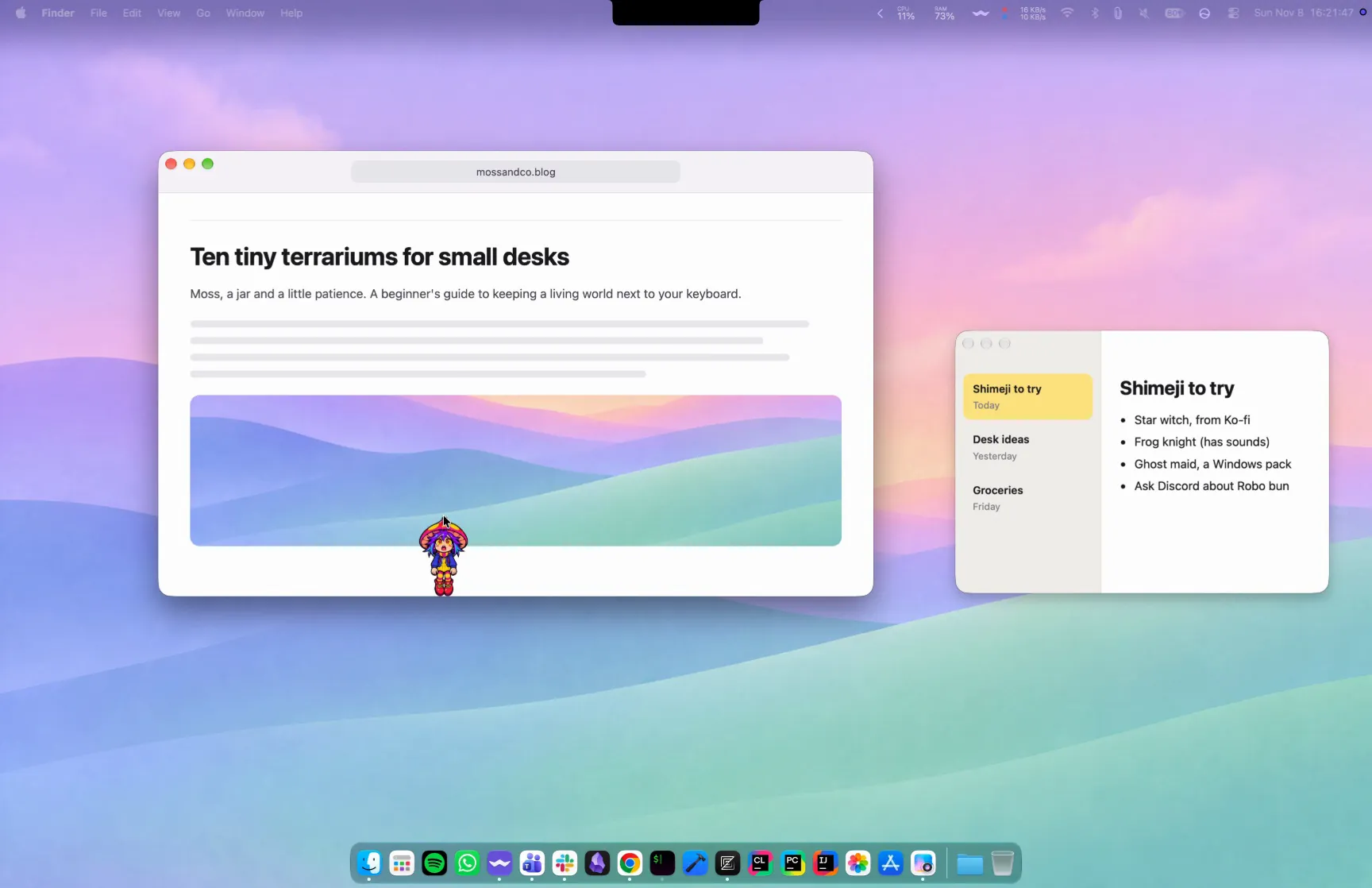
Shimeji characters are not automatically quiet. Packs can define energetic moves, and Shimejiko can let them throw windows when that behavior and Accessibility access are enabled. This recording shows Shimejiko, not Desktop Goose:
For a calmer start in Shimejiko:
- Add 1 character before building a whole crew.
- Turn on calm mode from the menu bar. It slows the characters and disables window throwing and automatic cloning while active.
- Learn
⌥⌘Hto hide everyone and bring them back. - Try those controls before a call. Automatic hiding is best effort, so use the shortcut when you need certainty.
Automatic cloning is off by default. You can also turn window throwing off in Settings. These are Shimejiko controls, not promises about every app called Shimeji.
Packs, downloads and privacy
Get the app from its creator and character packs from artists you trust. A pack and a program are different downloads: you do not need to run a Windows .exe or .jar bundled with a pack to import its character into Shimejiko.
Shimejiko uses window bounds and owners for desktop interactions, not screen captures. Its optional typing cheer counts key presses without reading what you type. Our privacy page explains the app's data practices. This says nothing about another runner's privacy; check each app separately.
If you already have a character download, the free pack checker can inspect a zip in your browser for missing images and configuration problems. It is a format check, not a malware scanner.
Questions before choosing
Can Desktop Goose use my Shimeji pack?
They use different systems. Do not expect a Shimeji pack to work as a Desktop Goose mod. If keeping your existing character is the goal, choose a runner for that pack and test it there.
Is a browser Shimeji the same as a desktop pet?
It can look similar, but its scope is different. A page-based extension does not become a companion on all your other apps. Our browser extension guide explains that choice.
Which should I try first on a Mac?
If the goose is what brought you here, start with its creator's Mac listing and compatibility notes. If you want to import a favorite character and decide how active it should be, start with our Shimeji for Mac guide. Choose for the experience you want, then test it during an ordinary few minutes at your desk.



