What is a Shimeji? The little desktop pets, explained

Also in日本語한국어繁體中文简体中文EspañolDeutschPortuguês (Brasil)Français
Quick answer
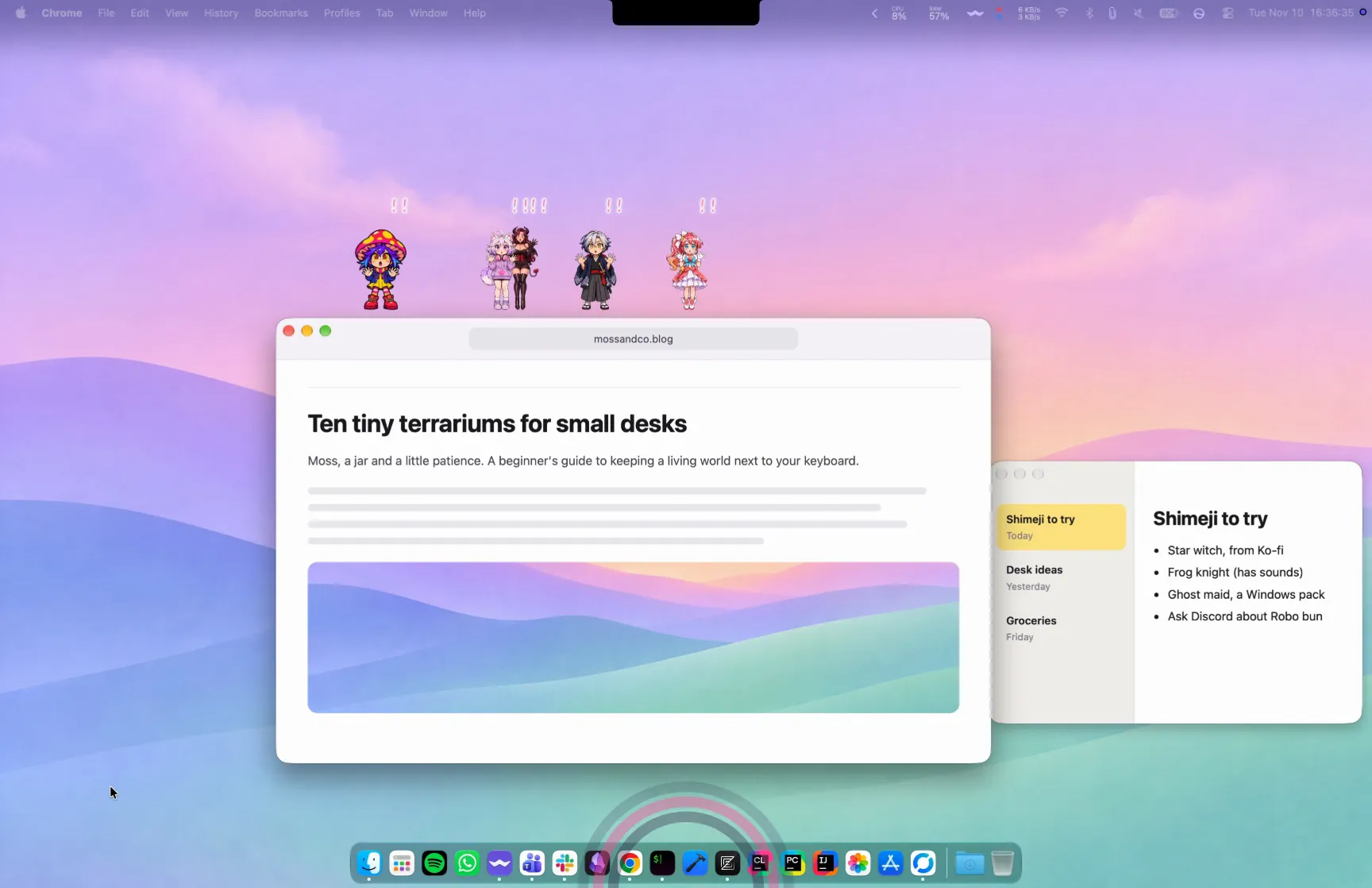
A Shimeji is a small animated character that lives on your computer screen. It walks along the bottom of the screen and the tops of your windows, climbs, sits, and can be picked up and thrown with the mouse. The idea comes from a free Japanese program called Shimeji, fans have drawn thousands of characters for it, and today the same packs run on Windows, Android and Mac.
Download for MacIf you have seen a tiny anime character climbing up a browser window in someone's screenshot, or a stream where a little figure keeps falling off the taskbar, you have met a Shimeji. Here is what they are, where they came from and how they work.
A Shimeji, in one sentence
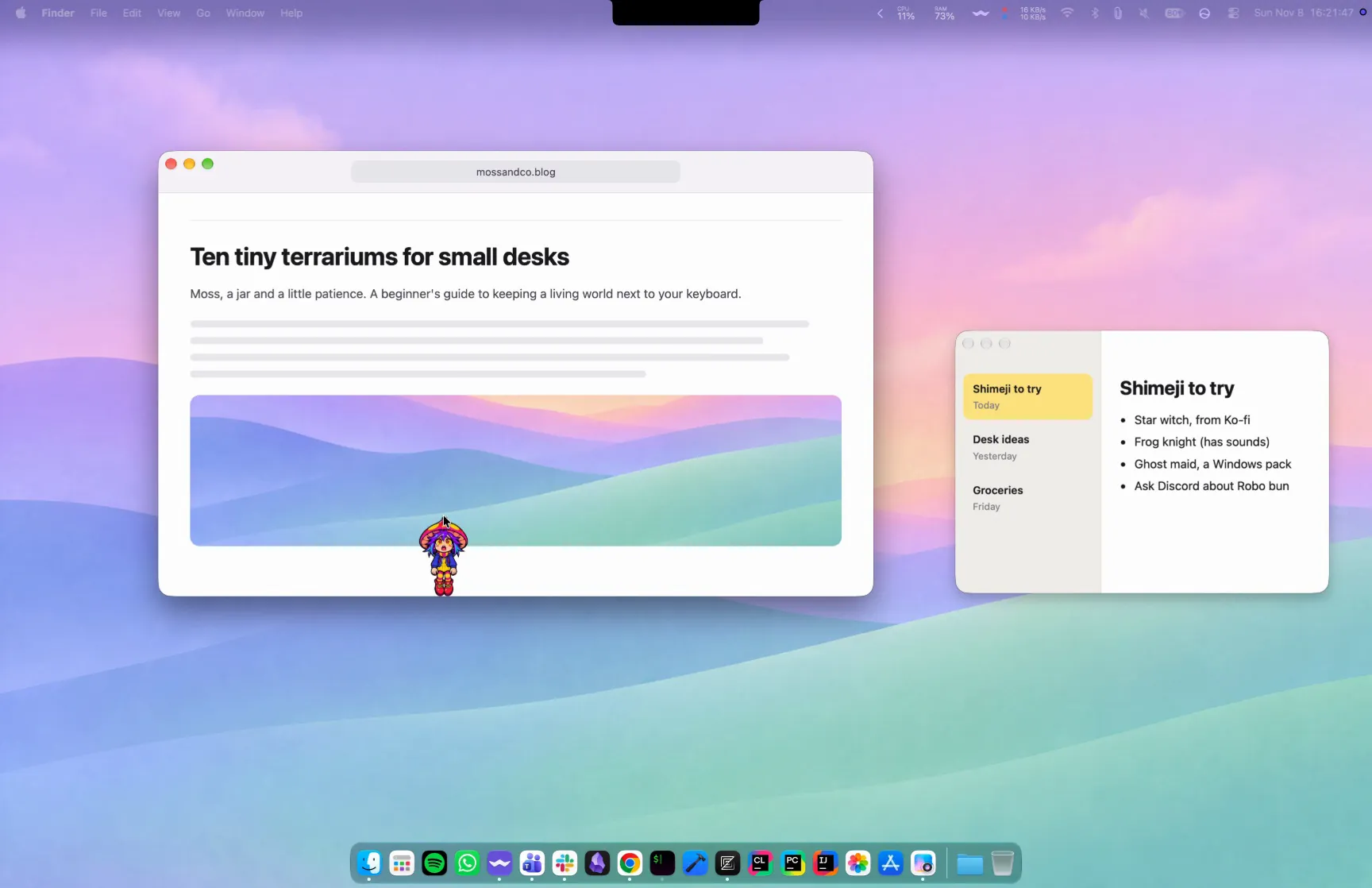
A Shimeji is a desktop pet: a small character drawn in pixel art or anime style that lives on top of everything on your screen, walking, climbing, sitting, napping and reacting when you grab it with the pointer.
They don't do any work. That is the point. They keep you company while you do yours.
Where Shimeji comes from
The original Shimeji is a free program made in Japan by Yuki Yamada of Group Finity. Its name is the Japanese word for shimeji (しめじ), a small mushroom that grows in clusters, which suits a character that likes to multiply across your screen. In Japan this kind of program is called a desktop mascot (デスクトップマスコット), a tradition that also includes the talking Ukagaka characters.
What made Shimeji last is that anyone could swap the character. Fans redrew the frames as their favorite characters and shared them, and that sharing has kept going for more than fifteen years.
Shimeji-ee and the other versions
When people say Shimeji today, they usually mean one of these:
| Version | Runs on | What to know |
|---|---|---|
| Shimeji | Windows, with Java | The Japanese original that defined the pack format |
| Shimeji-ee | Windows, with Java | The English edition most packs are made for, maintained by fans, with later work by Kilkakon |
| Android Shimeji apps | Android phones | Characters walk over your home screen and apps |
| Shimeji browser extensions | Chrome and other browsers | Characters walk on web pages only, inside the browser |
| Shimejiko | Mac | A native Mac app that runs the same packs, and adds reactions to the MacBook itself |
The "ee" in Shimeji-ee stands for English Enhanced. It added English settings files and new tricks such as more behaviors and sounds, and it is the edition most artists test their packs in.
How a Shimeji works
A Shimeji character comes as a pack, usually a zip file. Inside are two kinds of files:
- The frames. A set of PNG images, typically named
shime1.png,shime2.pngand so on, often about 46 of them. Each one is a pose: standing, walking, climbing, falling, sitting, being dragged. - The settings. Two XML files in a
conffolder.actions.xmldescribes each move, which frames it plays and how fast.behaviors.xmldecides what the character does next and how often, so it walks a bit, sits a bit, climbs a wall now and then.
The program reads those files and draws the character in a transparent layer above your other windows. It knows where the edges of the screen and the windows are, so the character can stand on them, climb them and fall off them.
Because the format is just images and text, the same pack works in Shimeji, Shimeji-ee, the Android apps and Shimejiko.
What a Shimeji can do
Most packs can:
- Walk, run and crawl along the bottom of the screen and the tops of windows.
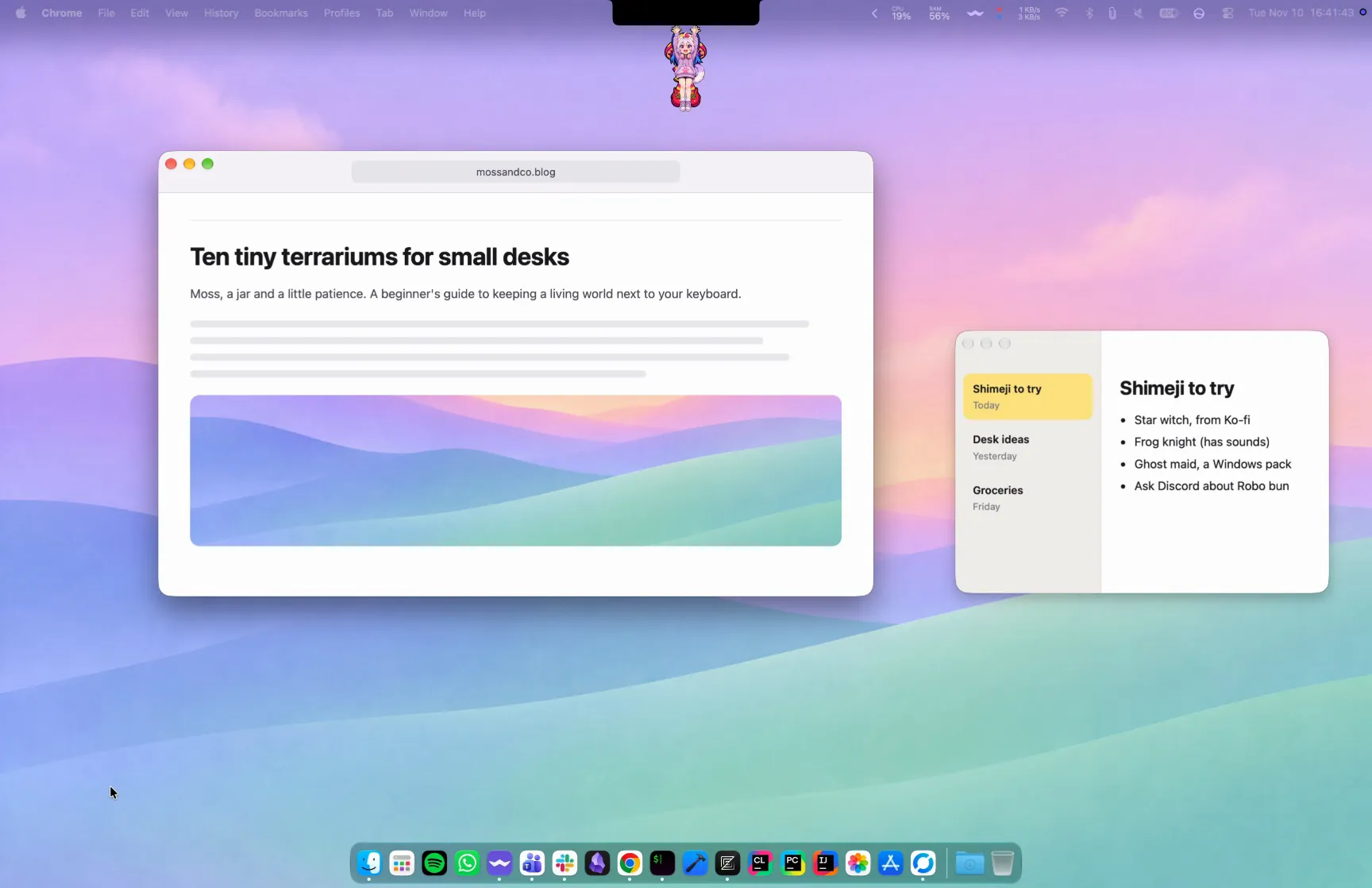
- Climb the sides of the screen and of windows, and hang from the top of the screen.
- Sit, lie down, look around and fall asleep.
- Be grabbed with the pointer, dangle, and be thrown.
- Multiply, if you let them, so one character becomes a small crowd.
- Pick up a window and throw it across the screen, which is the most famous trick.
Some packs also come with sounds and small scripts that add their own behaviors.
Are Shimeji safe?
A Shimeji pack itself is only pictures and settings files, which can't harm your computer. The risk is where you download from. A few tips:
- Get packs from the artist's own page or from well-known sites such as shimeji.org, DeviantArt, GameBanana or itch.io.
- Prefer packs shared as zip, rar or 7z files. Be careful with a download that is only an .exe from an unknown site.
- Use a Shimeji program you trust. On a Mac, Shimejiko is signed and notarized by Apple, never reads your screen or your keystrokes, and keeps your packs on your Mac.
Shimeji on a Mac today
For years, Mac users were told Shimeji was Windows only. Shimejiko changes that: it runs the same packs natively on macOS 14 or later, with no Java. On a MacBook it goes further, because the characters notice the Mac itself. Knock on the case and they jump, tilt the lid and they slide, stroke the trackpad and they purr.
Questions
What does Shimeji mean?
Shimeji (しめじ) is the Japanese name of a small mushroom that grows in clusters. The desktop pets share the name, and like the mushrooms, they tend to show up in groups.
Is Shimeji free?
The original Shimeji and Shimeji-ee are free, and most fan-made packs are free to download for personal use. Shimejiko is free on the Mac too, with an optional one-time Pro upgrade.
Is Shimeji Simulation the same thing?
No. Shimeji Simulation is a manga and anime series that shares the name. It has nothing to do with the desktop pets.
Can I make my own Shimeji?
Yes. Draw your character's poses as PNG frames in the standard layout, copy the conf folder from an existing pack, and adjust it. If you make an original character, you can also sell it in the Shimejiko Shop and keep 70% of each sale.
Do Shimeji slow down my computer?
A few characters use very little, since each one is a small image moving a few dozen times a second. Packs that multiply without limit can pile up, so Shimejiko caps how many characters can be on screen at once.