Can you get Shimeji on iPhone or iPad?

Also in日本語한국어繁體中文简体中文EspañolDeutschPortuguês (Brasil)Français
Quick answer
Not the way Shimeji work on a computer. Apple doesn't let iPhone and iPad apps draw over other apps, so the Shimeji-style apps on the App Store keep their characters inside the app, in widgets, on the Lock Screen or in the Dynamic Island, and only one says it imports classic Shimeji packs, to play with inside the app. Android allows overlays, so the Android Shimeji app can walk over other apps. On Apple hardware, the full Shimeji experience is on a Mac.
Download for MacSearch the App Store for Shimeji and you'll find plenty of results. Install one and you may be disappointed: the character doesn't walk across your other apps the way a Shimeji walks across a computer screen. That isn't the app being lazy. It's how iPhone and iPad work. Here's what you can and can't get.
Why an iPhone can't do what a desktop does
A Shimeji on a computer lives in a transparent layer on top of everything else, so it can walk along the edge of any window. On iPhone and iPad, Apple runs every app in its own sandbox: an app can draw only inside its own screen, and it can't place anything on top of other apps. The App Store rules also turn away apps that try to replace the Home Screen with their own.
So on an iPhone or iPad, a desktop pet can only appear in a few places:
- Inside its own app, where you can tap and drag it.
- In widgets on the Home Screen and the Lock Screen.
- In a Live Activity, shown in the Dynamic Island and on the Lock Screen.
- As stickers in Messages.
What the Shimeji apps on the App Store really do
These are the apps that come up for Shimeji on the US App Store, as of November 2026.
| App | What the characters do | Price |
|---|---|---|
| Mooshi, Ah Shimeji Pets | Play inside the app, and appear in widgets, the Dynamic Island, the Lock Screen and iMessage stickers | Free, with subscriptions |
| Shimeji: My Digital Pixel Pets | A pet care game (feed, bathe, sleep) with widgets, the Dynamic Island and the Lock Screen | Free, with subscriptions or a lifetime unlock |
| NotiSprite | A pet in a widget, the Dynamic Island and a Live Activity | Free, with in-app purchases |
| Shimeji: Draw & Animate Pets | Draw and animate your own pets, or import classic Shimeji packs you own, and play with them on the app's Playground | Free |
Some other listings promise pets that stay on top of your screen while you use other apps. Under Apple's rules that isn't possible, and their reviews often say the characters don't move or don't show up. Read the reviews before you subscribe to anything.
Only Shimeji: Draw & Animate Pets says it imports the classic Shimeji packs fans share, and those characters still play inside the app, not over your other apps. The other apps come with their own characters.
On Android, Shimeji can walk over other apps
Android lets an app draw over other apps once you allow it, and that's how the Android Shimeji apps work. The best known, Shimeji: Play with Screen Pets by Digital Cosmos, asks for the "draw over other apps" permission and can import compatible PC Shimeji packs. It's free with ads and in-app purchases.
The real thing on Apple hardware: a Mac
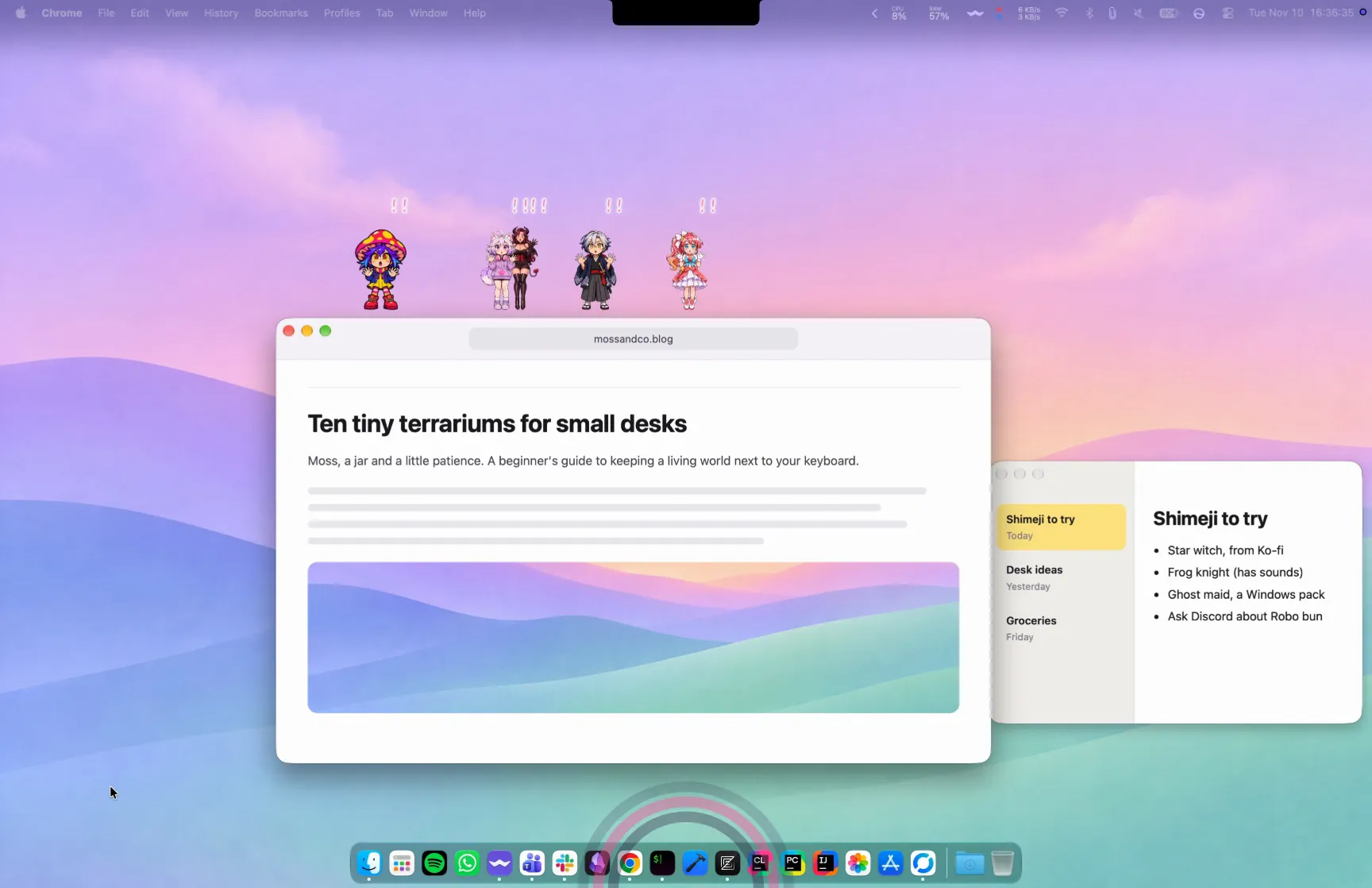
On a Mac, apps can draw on top of the whole screen, so Shimeji work the way they were meant to. Shimejiko is a native Mac app that runs the same packs fans share for Windows and Android, with no Java: the characters walk on your Dock, climb your windows, hang from the notch and get thrown around by the pointer.
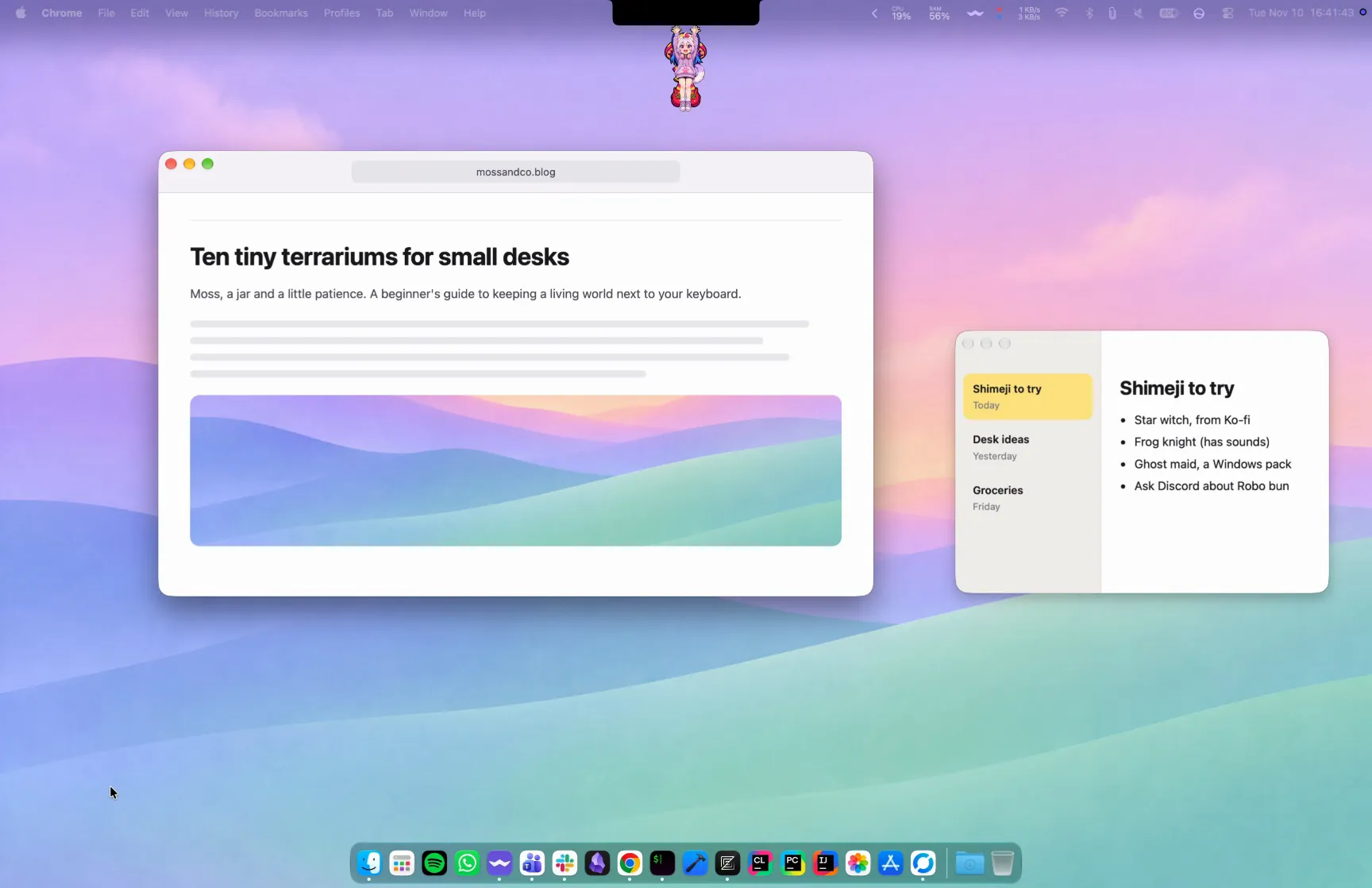
On a MacBook they go further than any phone app can: knock on the case and they jump, tilt the lid and they slide, stroke the trackpad and they purr. How to get Shimeji on a Mac.
Questions
Can I use Shimeji-ee packs on my iPhone?
Only inside an app. Shimeji: Draw & Animate Pets says it imports classic Shimeji packs you own, to play with on its Playground; it needs iOS 17 or later. To have them walk across the whole screen, use a Mac with Shimejiko, or Android with an app that imports PC packs.
Is there a Shimeji app for iPad?
The same apps run on iPad, with the same limits: characters stay inside the app, in widgets and on the Lock Screen.
Why do some apps say the pets stay on top of other apps?
iPhone and iPad apps can't draw over other apps, so a listing that promises it can't deliver it. Check the reviews before paying.
Are Shimeji apps on iPhone free?
Most are free to download and sell subscriptions or a lifetime unlock. Shimejiko on the Mac is free, with Pro for a one-time $5.99.
How do I get Shimeji on my phone and my computer?
On a phone, pick an app for your platform: a widget and Dynamic Island pet on iPhone, or an overlay app on Android. On a Mac, use Shimejiko; on Windows, Shimeji-ee.