A cat desktop pet for Mac: meet Kumo

Also in日本語한국어繁體中文简体中文EspañolDeutschPortuguês (Brasil)Français
Quick answer
Looking for a cat desktop pet on Mac? Meet Kumo, preview the cloud cat before buying, and see what the free Shimejiko app, character pack and Pro each include.
Download for MacWant a cat desktop pet that wanders around your Mac while you work? Kumo is Shimejiko's original cloud cat, with puffy paws, curled-up naps and a proper cat stretch. You can watch Kumo move in the Shop and try a short visit on your own desktop before buying. The Shimejiko app is free to download; Kumo is a separate paid character pack.
Which cat desktop pet can you choose?
Kumo is a cat made of cloud, drawn for Shimejiko by Decktopus, Inc. The current pack contains 1 character. Kumo pads along windows, curls up on the Dock and stretches on waking. Its soft silhouette is worth checking against your wallpaper, especially if your background is also pale.
The Shop lets you search by name or animal. Search for Kumo to find this pack directly, then open its detail page. Start with the moving preview rather than choosing only from the still picture: a desktop companion spends much of its time walking, sitting or climbing.
How do you preview Kumo on your Mac?
- Open Kumo's page and use the move buttons to see poses such as walking, sitting and climbing.
- Download Shimejiko if you have not installed it. It needs macOS 14 Sonoma or later, on Apple silicon or Intel.
- Choose Try it on your Mac on the pack page. It opens Shimejiko for a 30-second visit.
- Look at Kumo beside the windows you actually use. Check whether the size, colors and movement suit your desktop before deciding to buy.
This recording shows Shimejiko's wider crew on a real MacBook with Pro. It gives you a sense of how companions share the desktop; Kumo's own page is the place to inspect that cat's moves.

Is a cat desktop pet free, or do you need Pro?
The app, character pack and Pro are separate choices:
- Free Shimejiko app: import as many Shimeji packs as you like, with 1 character type on screen at a time and up to 3 copies. Walking and climbing are included. A purchased cat can be that character type.
- Kumo pack: listed at $1.99 in the Shop when checked on November 7, 2026. Buying the character does not buy Pro.
- Shimejiko Pro: listed at $5.99 once, with no subscription. It allows different character types together, up to 30 at once, and adds knock, lid and petting reactions for every character. It does not include every paid Shop pack.
Kumo's Shop description includes front-paw kneading when petted and drifting when the lid tilts. Those reactions need Pro for Kumo, and the relevant hardware support. A pack being Mac magic ready does not mean every Mac has every sensor.
How can you make room for a small cat?
- Try a quiet wallpaper with enough contrast to see Kumo's outline.
- Start with 1 copy. You can judge how much movement you enjoy before adding more.
- Use calm mode when you want less activity, or press
⌥⌘Hto hide everyone at once.
Clicks pass through the desktop overlay except on the characters' own pixels, so you can keep using the windows underneath.
What else should you know?
Can I use a different Shimeji cat pack?
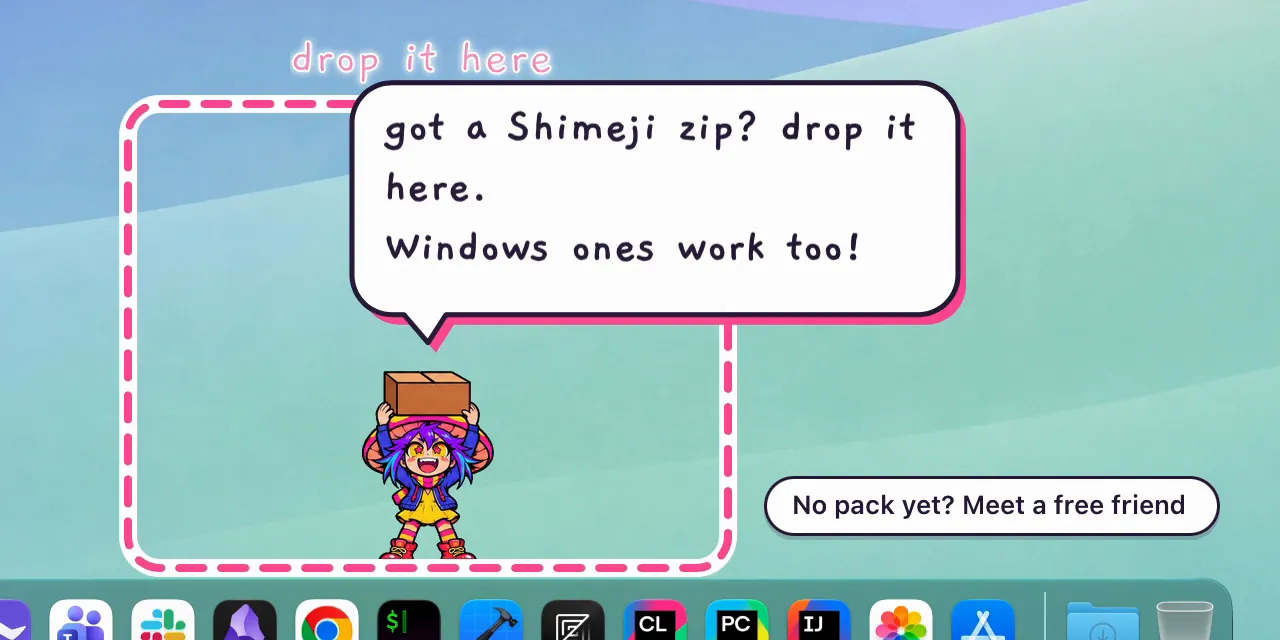
Yes. Shimejiko imports Shimeji packs from other creators too. Get the pack from its creator or a source you trust, respect its license, and drop the downloaded archive onto the app. Importing does not require Pro.
Does Kumo need Java?
No. Shimejiko is a native Mac app. You do not need Java or Terminal to run Kumo.
Does buying Pro also buy Kumo?
No. Pro unlocks app features; Kumo is a separate character purchase. Preview Kumo in the Shop, then choose the combination you want.